The restaurant POS with QR menu, kitchen tickets and real cost per dish
The menu, the order and the kitchen on one screen. Guests order from the QR code at their table, the ticket lands in the kitchen with its own timer, and every dish deducts the ingredients it used. At the end of the day you see sales, cost of goods and what you kept — not just how much you billed.
Want to try it with your own data? Fill out the form and we'll set up a private demo account for you for 15 days.
Try it right here
It is a demo with a made-up venue and data: tap, choose and see what happens on the other side.
What slows you down today — and how GVenue solves it
Everything in one system
The day's service opens on its own
You enter your venue's weekly hours once and you're done. Tuesday's service starts by itself the moment someone opens the register, the KDS or a table — nobody has to remember to create it, and a venue open 300 days a year doesn't set up 300 services by hand.
Digital menu with a QR code per table
One QR per table with your menu and your prices. Edit an entire menu without it going live and apply it whenever you want: prices are copied to the active menu in a single transaction, and the system tells you which item was left uncovered.
Orders from the table, or through the server
Guests choose and confirm with nothing to install: they enter their WhatsApp, get a code and, the first time, join your rewards club in the same step. If the code doesn't arrive, the server unlocks the table. When a table would rather talk to a person, the server takes exactly the same order from their phone.
Split tickets: the kitchen gets its part, the bar gets its part
A schnitzel and two beers are one order for the guest —one number, one ticket, one check— and two separate jobs on screen. Routing is set by category, not dish by dish: you load 200 dishes and you don't tag 200 times.
Open tab per table
The table orders first and pays at the end: the balance adds up item by item and always reconciles against the total, with the session locked in the same transaction. Cash and Point card reader, with no double charges. Tips are recorded per server and never touch the balance, because that money belongs to the staff.
Each server sees only their own tables
Sections are assigned per service: whoever works the dining room on Tuesday can work the terrace on Saturday, and last night's section doesn't carry over to today. Each server opens their screen and sees their tables with what each one owes, whether the table called and which orders are still pending. Sales are charged to the table being served; tips, to whoever received them.
Split the check evenly
One tap and the check is split among as many people as needed, up to fifty. The ticket shows how much each person pays <em>and the remainder</em>: three people on $10,000 pay $3,333.33 and one cent is left over — if the ticket doesn't say so, the register comes up short and the count won't balance. The table's balance doesn't change: it's a label, not a second number to argue about.
Online table reservations
Guests book from your link and only see times with availability; the table is held for that slot against the real floor plan. You can also enter them from the dashboard, or let the WhatsApp bot take them.
Recipe-based stock and cost per dish
Ingredients with yield, recipes, storerooms by area, purchase orders, transfers and stock counts from your phone. You buy by the kilo and sell by the plate: the recipe does the deduction, not a spreadsheet. The register opens with the counted cash and closes with a cash count.
Daily specials by time of day
Daily menus apply themselves based on the day, and each dish can have its own <strong>selling hours</strong>: the lunch special from 12 to 3 p.m. shows up on the menu and sells only during those hours. Outside that window it isn't offered anywhere —not on the QR, not at the register, not on delivery— and if an old screen tries, the system rejects it and shows the hours.
Your customer base belongs to you
Each venue has its own database, kept separate from every other GVenue customer: no one else sees it or uses it. Every guest has a profile —what they ordered, when they came, how much they spent, their birthday— and a record of every visit. It's your business's asset, and it stays with you.
Automated emails to your customer base
The birthday greeting goes out on its own a few days before, with your logo and, if you want, a gift to redeem at the venue. Announcements for every special date with your flyer and a reservation button, and campaigns to your whole base with unsubscribe included, as it should be.
Rewards club with discounts and gifts
Your guests become members —right from the table, with their WhatsApp— and get the discounts and gifts you set. Every member stays in your database, ready to be invited back.
Wristbands for kids in the play area or game room
If your venue has a ball pit or a game room, every child gets a numbered QR wristband at the door, linked to their family's account: they pick up at the bar what the adults ordered and, if the adults allow it, buy on their own up to the daily limit, with a notice for every purchase. It already runs at beach clubs today, and we turn it on for your venue on request.
What changes in your day-to-day
With GV Resto
- A flat monthly fee per location, with no percentage of your sales and no per-terminal charges.
- QR menu, kitchen tickets and kitchen display: included in the base plan.
- Runs on the phone or tablet you already own, no proprietary hardware.
- PRO · stock goes down by recipe: you buy by the kilo, sell by the plate, and shrinkage shows up in pesos.
- PRO · guests order and pay from their phone with the table's QR code.
- If you also host events, it's the same system: one account, one end-of-day close.
What you no longer handle separately
- Paying extra every time you add a register, a tablet or a server's phone.
- Keeping the QR menu in one place and the stock in another.
- Buying special equipment just to get started.
- Working out by hand how much tenderloin went into the dishes you sold.
- Finding another tool so guests can order on their own.
- Cross-checking spreadsheets between the dining room, the bar and events.
Selling isn't enough. You need to know how you're doing.
Sales, share and profitability: the information to decide comes from the same system you charge with.
How are your sales trending?
Pick today, the week, the month or a date range and see the sales of each location; on the owner's dashboard, day by day for the last 31 days.
Coming soon: Month-over-month and year-over-year comparison on a chart.
Which products concentrate your sales?
Every day's close shows sales product by product, with quantity and amount; with several locations, the best sellers of each one over the period you choose.
Coming soon: Each item's percentage share of total sales.
Do your prices keep up with replacement cost?
Every dish has its cost by recipe, valued at the last purchase price of each ingredient: when you receive a purchase, the cost updates by itself. The cost sheet shows cost, price and margin for every product, and the daily close how much went to goods. With GV Resto PRO.
Coming soon: The gross profitability of what was sold, item by item.
A restaurant doesn't work like a nightclub
GV Resto and GV Barra run on the same engine: the catalog, recipes, costs, stock, counts, shrinkage, promos, combos, menus, kitchen display, register, cash count and daily report are literally the same code. What changes is the unit of work.
In a nightclub the unit is the night: one date, one register, one cutoff, and the bartender serves drink after drink against the clock. In a restaurant the unit is the table: it opens, orders add up, it splits if needed, and it closes when the guests leave — and the venue opens every day, for lunch and dinner. That's why GV Resto works on operating days, a Tuesday service with no event and no tickets involved, rather than on show dates.
That isn't a design promise. The operating day has been in production since August —one of our clubs uses it today for nights it opens without selling a single ticket— and it now opens by itself every day from the venue's weekly hours. And the thousands of bar sales the system has on record were never tied to a ticket: the bar never needed the ticketing side to charge. The engine is proven with real money; what GV Resto adds is the dining-room setup.
What it costs, and why there are two ways to sign up
GV Resto costs 49 US dollars per month per venue, billed in pesos at the official exchange rate of the day. It's a flat fee: no percentage of your sales, and your dining room's revenue is one hundred percent yours.
It's licensed per location, not per terminal: each venue uses as many PCs, phones, tablets and kitchen displays as it needs —a location with a register, an order station, two kitchen displays and eight servers with their phones pays the same as one with a single device—. For chains, the price per location goes down with the number of locations, and management sees them all together on a single dashboard. Electronic invoicing is a separate module, billed per tax ID (CUIT), not per point of sale.
If your venue already runs on GVenue with the bar module, you add table service as an add-on and land on the same number. If you've never run an event in your life and only want the restaurant, you sign up for GV Resto on its own. Both ways cost exactly the same on purpose: it's the same product, and a different price depending on how you came in would be a difference someone has to explain later.
The base plan includes the menu, sales, kitchen tickets with their display, the end-of-day register close and the daily report. If you also want the real cost of every dish, stock by storeroom with shrinkage in pesos, and the QR code so guests can order and pay from their phone, that's GV Resto PRO: 75 dollars per month, all together. Separately those three add up to 218, so PRO saves you 29 — and it's the plan most restaurants end up needing.
We say it this plainly on purpose: the base plan doesn't include recipes, shrinkage control or ordering from the guest's phone. We'd rather you know now than once you're already up and running.
What you need to get started
A phone or tablet with internet, and your menu with prices. What takes time isn't the system: it's loading the dishes with their recipes, because that's where the real cost comes from. You can start with just the menu and prices —that same afternoon you're already charging and closing the register— and add recipes, costs and stock whenever you want tighter control.
You don't need to buy anything. It runs in the browser, with no apps to install, on the device you already have in the dining room.
📥 Everything explained, ready to download
The dossier and the manual, always in their latest version: they update themselves every time the system changes. (In Spanish.)
Frequently asked questions
How much does GV Resto cost?
What does the 49 plan NOT include?
Do I need to buy tablets for my servers?
What if a guest doesn't want to order from their phone?
What happens if the internet goes down mid-service?
Can I use it together with GV Barra?
Does GVenue issue tax invoices?
How many terminals can I use?
Can I see it working before I sign up?
Keep exploring
Modules that work well together
Add them whenever you need them: each one with its price in plain sight, on the same panel and the same support.
-
GV Music
Music by time slot, voice announcements and an order caller.
from USD 9/mo See GV Music -
Waiter app
Waiters take orders on the integrated POS; on a phone or tablet it's free.
from USD 15/mo See Waiter app -
Your own delivery
Phone and web orders with your menu and your kitchen tickets, no app commissions.
from USD 15/mo See Your own delivery -
Online bookings
By time slot, with a guest cap and a deposit if you ask for one.
from USD 19/mo See Online bookings -
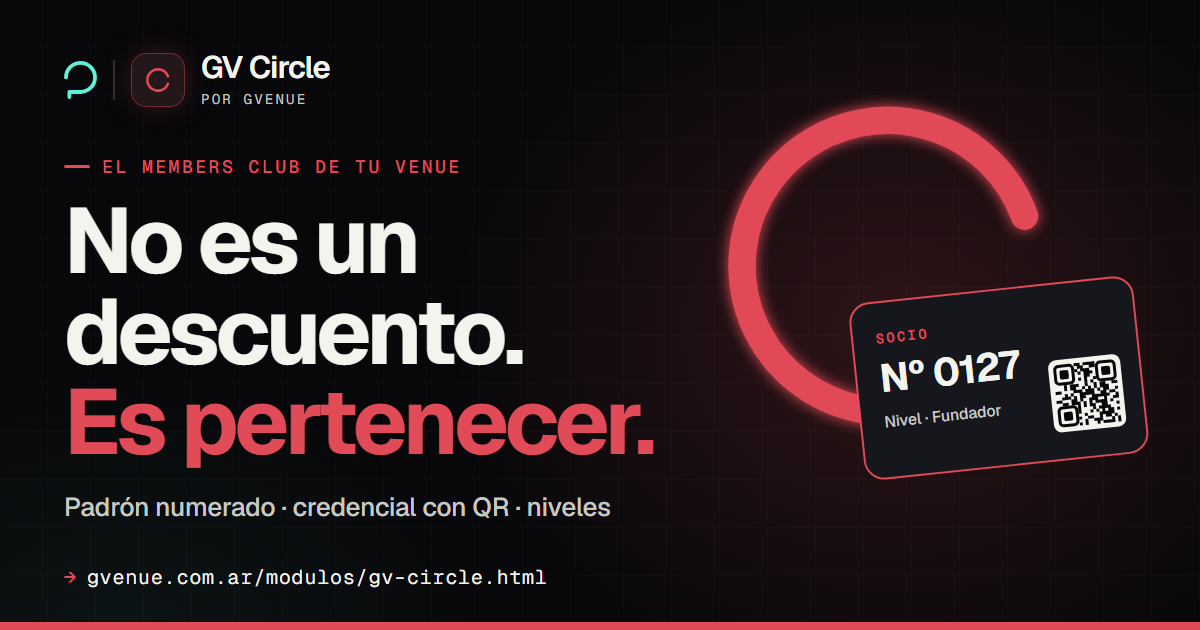
GV Circle
Your members club: digital card with QR, points and tiers.
from USD 39/mo See GV Circle -
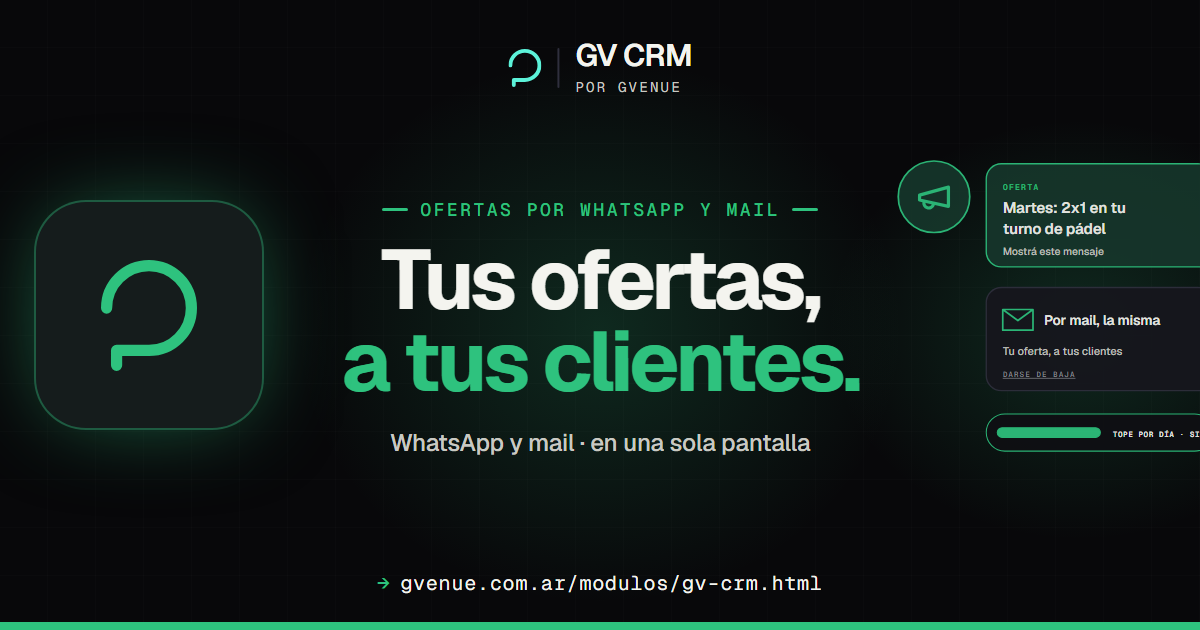
GV CRM
Offers to your customers by WhatsApp and email.
from USD 15/mo See GV CRM
Bring your menu and we'll show it running
We'll load ten dishes with their recipes and show you the end-of-day close with your own numbers. Flat monthly fee, no percentage of your sales.