A waiting room that is calm and in order
Soft music scheduled by time of day, the patient called over the speakers —«Juan Pérez, room 3»— with their name on screen, and front-desk announcements in an Argentine voice. From the PC you already have.
What slows you down today — and how GVenue solves it
Everything in one system
Calm music by time of day
Playlists for each moment and slots by day and hour, each with its volume. Crossfades between tracks, and if the internet drops it keeps playing what is stored on the PC.
Patients called by voice
«Juan Pérez, room 3»: the music lowers without stopping, a chime plays, the voice calls the patient and the music comes back up.
The call on screen
A big sign with the patient's name and the room, readable from across the waiting room, and the latest calls listed.
Announcements from reception
From the PC or a phone, with quick phrases and a «Calm» tone. Up to the hourly limit of your plan.
One zone per waiting room
Each PC picks its zone (ground floor, first floor, pediatrics) and only hears its own calls and announcements.
An Argentine voice
Elena or Tomás, or both alternating. The server generates the voice; if it doesn't respond, the browser's own voice takes over.
Name and room, nothing else
With a connected calendar, only the patient's name and the room travel: never the reason for the visit.
Every track with its rights record
Own, authorized by its author or Creative Commons: nothing plays without its record, and the log of what played exports to a spreadsheet.
What changes in the waiting room
With GV Music
- The patient hears their name and the room over the speakers, and sees it on screen.
- The music lowers without stopping and comes back on its own.
- Reminders play on their own, on the days and hours you choose.
- Each waiting room hears only its own calls.
- One flat monthly fee per venue, with the price in plain sight.
What reception stops doing
- Stepping out to call each patient by name.
- Repeating the opening hours and what to bring all day long.
- Turning the radio down every time someone needs to be called.
- Calling twice because the patient didn't hear.
Two ways to call the patient
If we connect your booking calendar (custom work), a button in the calendar calls the patient: the player says the name and the room and shows it on the screen. If you use another booking system, tell us which one; meanwhile, reception calls from the PC or a phone with «Announce», typing the name and the room.
In both cases the music lowers without stopping, a chime plays and the voice is Argentine. You choose the voice, how many times the call is repeated and which waiting room hears it.
For every kind of practice
Medical practices, clinics and health centers, dental offices, veterinary clinics, aesthetic centers and labs: any place where people wait to be called and the waiting room deserves to sound better than silence.
📥 Everything explained, ready to download
The dossier and the manual, always in their latest version: they update themselves every time the system changes. (In Spanish.)
Frequently asked questions
How is the patient called?
Does it connect to my booking system?
What equipment do I need?
Do I have to pay music rights?
What if I don't want music?
What patient data is used?
How much does it cost?
Keep exploring
Modules that work well together
Add them whenever you need them: each one with its price in plain sight, on the same panel and the same support.
-
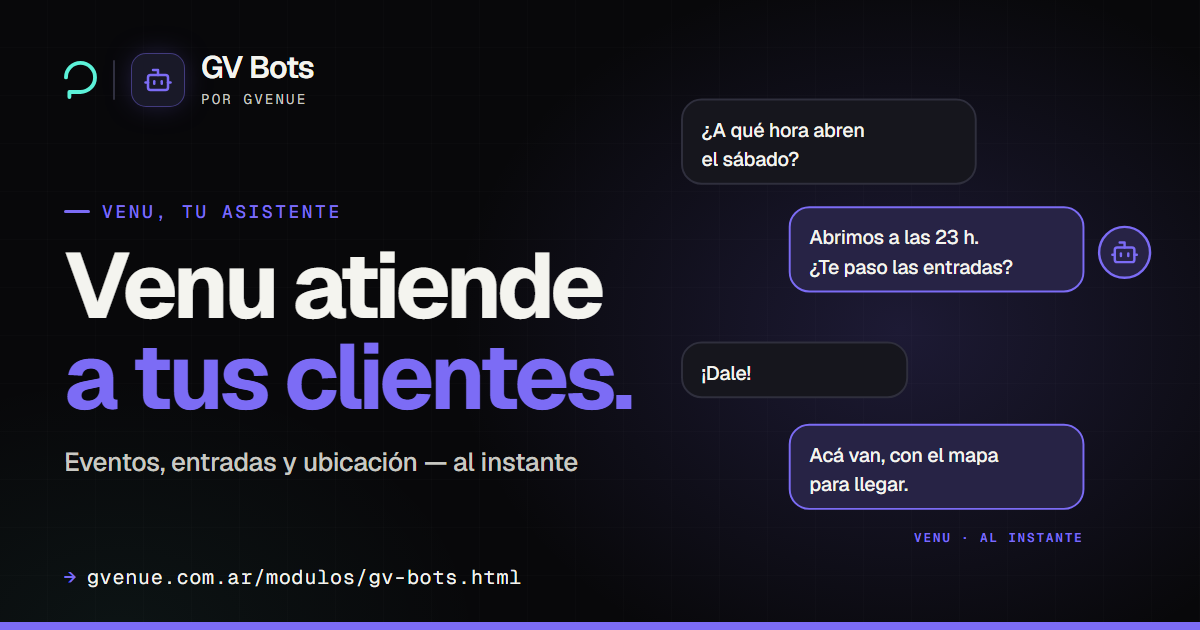
GV Bots
Venu, the assistant that answers for your venue 24/7.
from USD 29/mo See GV Bots -
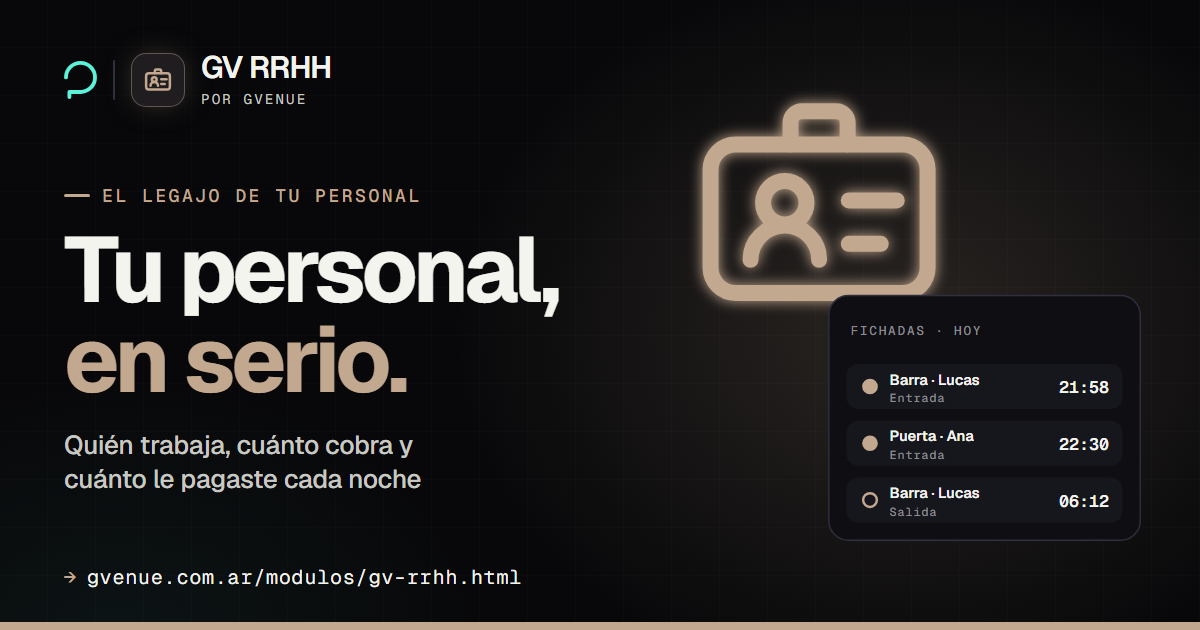
GV HR
Your staff files, agreed pay and clock-in by ID.
from USD 25/mo See GV HR -
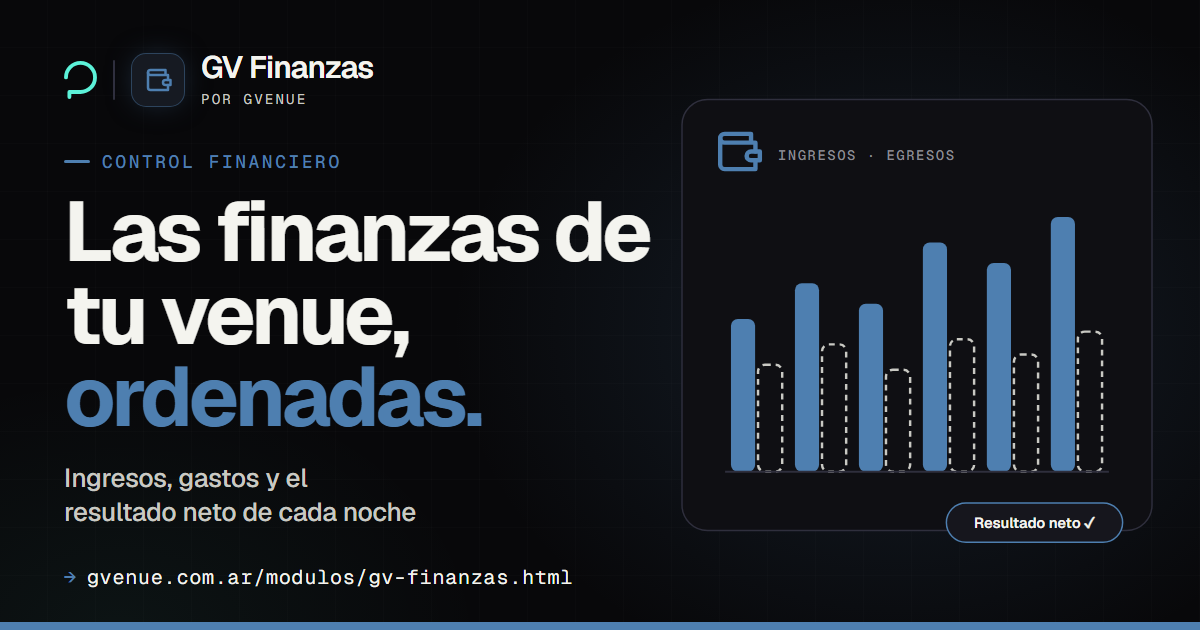
GV Finance
Venue and per-event income and expenses, with an accountant profile.
from USD 39/mo See GV Finance -

GV Media
Social media, campaigns and audio branding for your venue.
from USD 249/mo See GV Media
Let the waiting room call for you
Calm music, the patient called by name and your reminders on their own. Flat monthly fee per venue, and a free plan to try it.