Your nightclub software, with the price in plain sight and no demo call
With GVenue you know the price before talking to anyone: you see it and build your system yourself — with GV Cash with expiry, table concierge by QR and every event's settlement prepared by GVenue.
What slows you down today — and how GVenue solves it
Everything in one system
Price in plain sight, no demo call
Build your system and see the cost before talking to anyone. The service fee is paid by the buyer.
GV Cash with expiry and traceability
Prepaid credits with FIFO consumption and configurable expiry. The balance always belongs to the customer: transferable, never trapped without explanation.
Table concierge by QR
Order and pay from the table, end to end: the customer scans, orders, pays and the waiter brings it over. No trips to the bar.
Every event's settlement, prepared by GVenue
GVenue prepares the settlement of every event. What is collected by transfer and USDT is settled to you 24 h after each sale or after the event, whichever you choose; credit card is optional: it is added with direct collection, through your own Mercado Pago.
Multi-venue from a single panel
Several venues, one login. Each with its own cash desk and settings, and reports you can view separately or consolidated.
AI photos, at real cost
GV Studio generates event photos with AI. You pay for what's actually generated — no prepaid credit packs, no invoice surprises.
A look inside
Real screens of the system, with sample data. Tap one to see it bigger.
The system adapts to your venue, not the other way around
100% configurable, made to measure
Every module is set up the way you work: prices, menus, hours, each person's permissions, texts and what is on or off. You ask, we adjust it.
Your changes are yours alone
The configuration belongs to your venue. What you change does not affect any other client, and what another client asks for does not touch your system.
It analyzes your data all the time
Every sale, every entry and every closing is recorded, and the reports show you what sells, at what time and what leaves you margin. That is how you tune the system to real use, not to a template.
Custom software, built by people from the trade
We know the business from the inside and we know what we are doing. What your venue needs and is not there yet, we build to measure. We work with passion and dedication on every project we roll out. Custom development →
What changes with GVenue
With GVenue
- Go to /armar and see the price before talking to anyone.
- GV Cash: configurable expiry, FIFO consumption and 100% customer-owned transfers.
- Table concierge by QR: order and pay without getting up.
- Per-event settlement, prepared by GVenue: transfers/USDT 24 h after each sale or after the event, whichever you choose; card optional through your own MP with direct collection.
- Multi-venue, AI photos and a minutes-long setup wizard — all in the same panel.
What you no longer have to do
- Booking a demo and waiting for a call to learn what it costs.
- Explaining to a customer where the balance they loaded went.
- Sending your VIP table guests to queue at the bar.
- Guessing how the money from each sale is split.
- Setting up every new venue from scratch.
📥 Everything explained, ready to download
The dossier and the manual, always in their latest version: they update themselves every time the system changes. (In Spanish.)
Frequently asked questions
Do I need to book a demo to find out what GVenue costs?
What happens to the cashless balance my customers load?
How does paying at the table work?
Can I run more than one venue with GVenue?
How is the money from each sale distributed?
How much does nightclub software cost?
Do I need to buy scanners or turnstiles?
Can I try it before signing up?
Keep exploring
Modules that work well together
Add them whenever you need them: each one with its price in plain sight, on the same panel and the same support.
-

Full Night
Tickets, door, bar, register and the night's report at a fixed price.
from USD 199/mo See Full Night -
GV Ticket
Your own branded ticketing: one QR per ticket and a single capacity pool.
No monthly fee · the 15 % fee is paid by the buyer See GV Ticket -
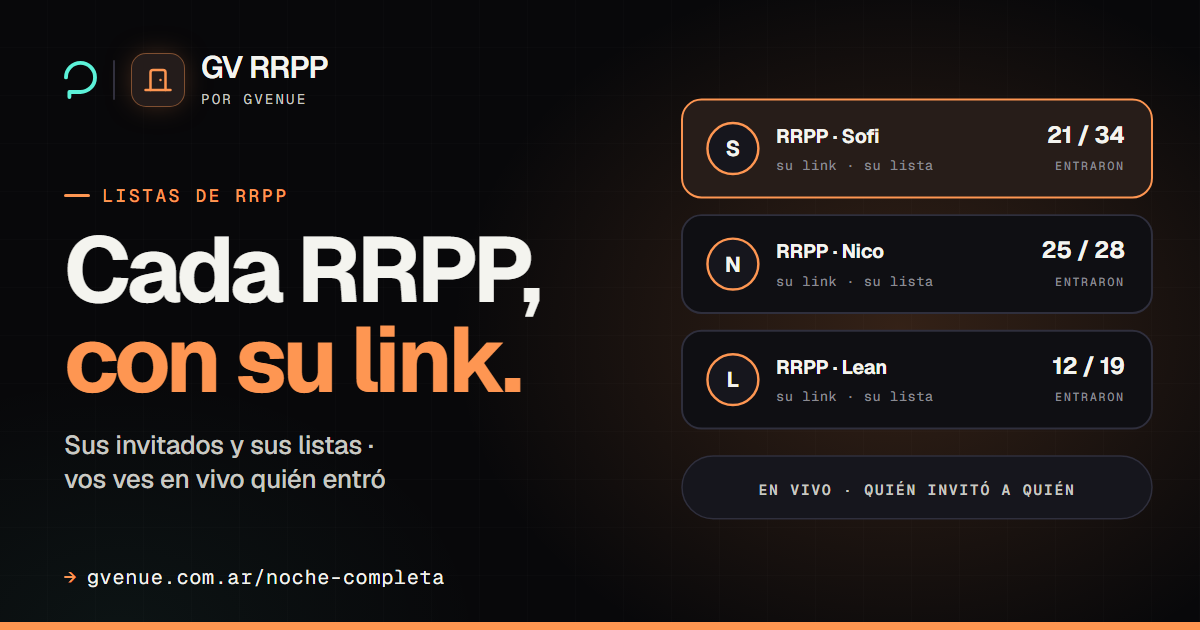
GV Promoters
Each promoter with their link and list; you see live who got in.
from USD 29/mo See GV Promoters -
GV Circle
Your members club: digital card with QR, points and tiers.
from USD 59/mo See GV Circle -
GV Cash
Peso balance by ID, with expiration and transferable between your customers.
from USD 35/mo See GV Cash -
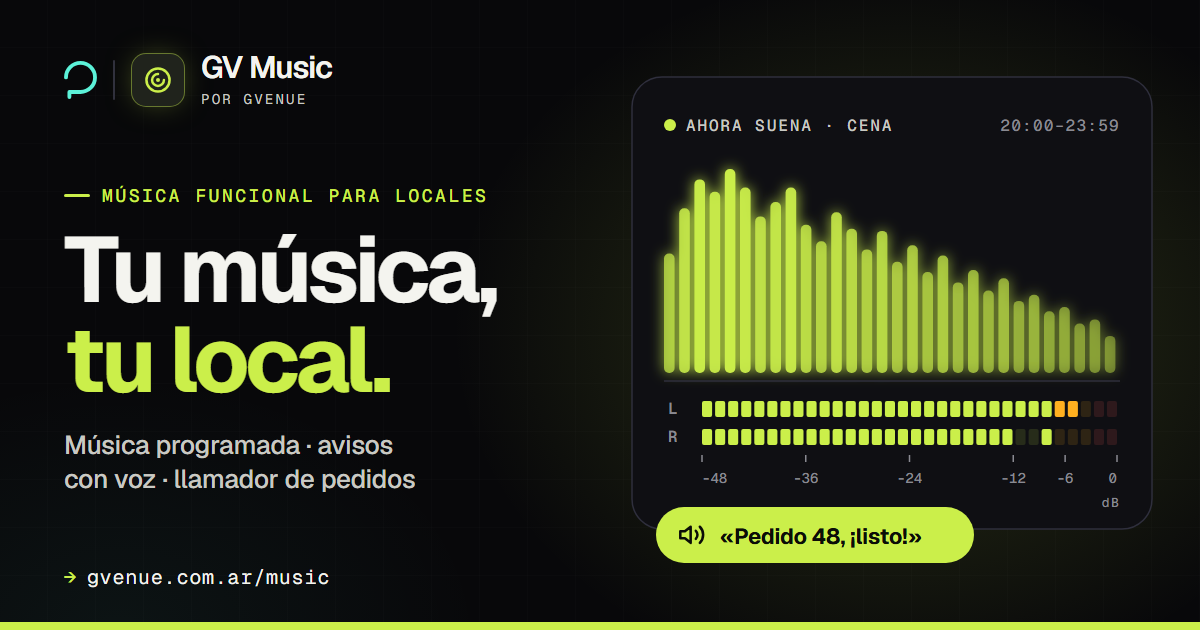
GV Music
Music by time slot, voice announcements and an order caller.
from USD 9/mo See GV Music
See the price and build your system now
Selling tickets has no setup or monthly fee: the buyer pays the service charge. Every module shows its price upfront. And the money is yours: paid out in 24 hours or straight to your own account.