Your venue’s financial management, with the bottom line of every night
What you sold is pulled in automatically; what you spent, you enter once. See the net result by night or by month, and your accountant logs in with their own read-only user.
What slows you down today — and how GVenue solves it
Everything in one system
Net result, by night or by period
Pick a date or a range and see revenue, expenses and result. By default, the current month. Each night also carries its share of the month’s fixed costs.
Revenue pulls itself in
Tickets, bar, tables, parking, coat check and venue rental: whatever was sold in the system shows up in Finanzas without typing a thing.
Expenses with category, date and event
Enter each general expense or one for a specific night, with ready-made categories plus your own. A mistaken expense gets voided, not deleted: the trail stays.
What you already entered in another module, with no double entry
Bar purchases, extra event expenses, the night’s staff, the cost of goods sold according to your recipes and promoter commissions flow in on their own.
Fixed costs that spread themselves
Rent, utilities or fixed salaries on a monthly, weekly or yearly cycle. Each night’s result already accounts for them.
A read-only user for your accountant
They see the numbers and download what they need, without being able to enter or change anything. You decide who on your team sees Finanzas and who doesn’t.
CSV export that opens in Excel
The period’s result, revenue and expenses, ready for your accountant or your spreadsheet.
All your locations, in one view
If you run more than one venue, headquarters sees the group’s consolidated figures as well as each location’s numbers.
A look inside
Real screens of the system, with sample data. Tap one to see it bigger.
The system adapts to your venue, not the other way around
100% configurable, made to measure
Every module is set up the way you work: prices, menus, hours, each person's permissions, texts and what is on or off. You ask, we adjust it.
Your changes are yours alone
The configuration belongs to your venue. What you change does not affect any other client, and what another client asks for does not touch your system.
It analyzes your data all the time
Every sale, every entry and every closing is recorded, and the reports show you what sells, at what time and what leaves you margin. That is how you tune the system to real use, not to a template.
Custom software, built by people from the trade
We know the business from the inside and we know what we are doing. What your venue needs and is not there yet, we build to measure. We work with passion and dedication on every project we roll out. Custom development →
What changes at month-end
With GV Finanzas
- Each night’s revenue is pulled in automatically from what was sold.
- Bar purchases, staff and commissions come from the module where you already entered them.
- Every night carries its share of the month’s fixed costs.
- Your accountant logs in with a read-only user.
- Net result by night or by period, in the same account as your operations.
What you no longer handle separately
- Copying by hand what each bar and each box office sold into a spreadsheet.
- Entering the same purchase or the same salary twice.
- Working out separately how much of the rent each night should carry.
- Sending screenshots and loose files every month.
- Waiting for month-end to find out whether a night made money.
How GV Finanzas is priced
It’s a monthly module that adds on to your system, at USD 39/mo per venue, billed in Argentine pesos at the official exchange rate of the day. It reads what already happens in your Barra, your Resto or your Suite: that’s why it adds on to one of them instead of being used on its own.
What it includes
A separate dashboard, out of sight of the rest of the team, with three tabs: result, revenue and expenses. Revenue comes from what was sold; expenses, from what you enter there and what you already entered in other modules. If you add GV RRHH, each night’s staff cost comes in with what you actually paid them, not an estimate.
What you need to get started
Enter your fixed costs once and, from then on, the expenses that don’t go through the system. If you want, we do the initial setup for you. Your accountant logs in with their own user.
📥 Everything explained, ready to download
The dossier and the manual, always in their latest version: they update themselves every time the system changes. (In Spanish.)
Frequently asked questions
How much does GV Finanzas cost?
Do I have to enter sales by hand?
Can my accountant see it?
What format does it export to?
Does the whole team see it?
Can I see it before signing up?
Does it work for restaurants and bars, or only nightclubs?
Can I see all my locations together?
Keep exploring
Modules that work well together
Add them whenever you need them: each one with its price in plain sight, on the same panel and the same support.
-
GV Reports
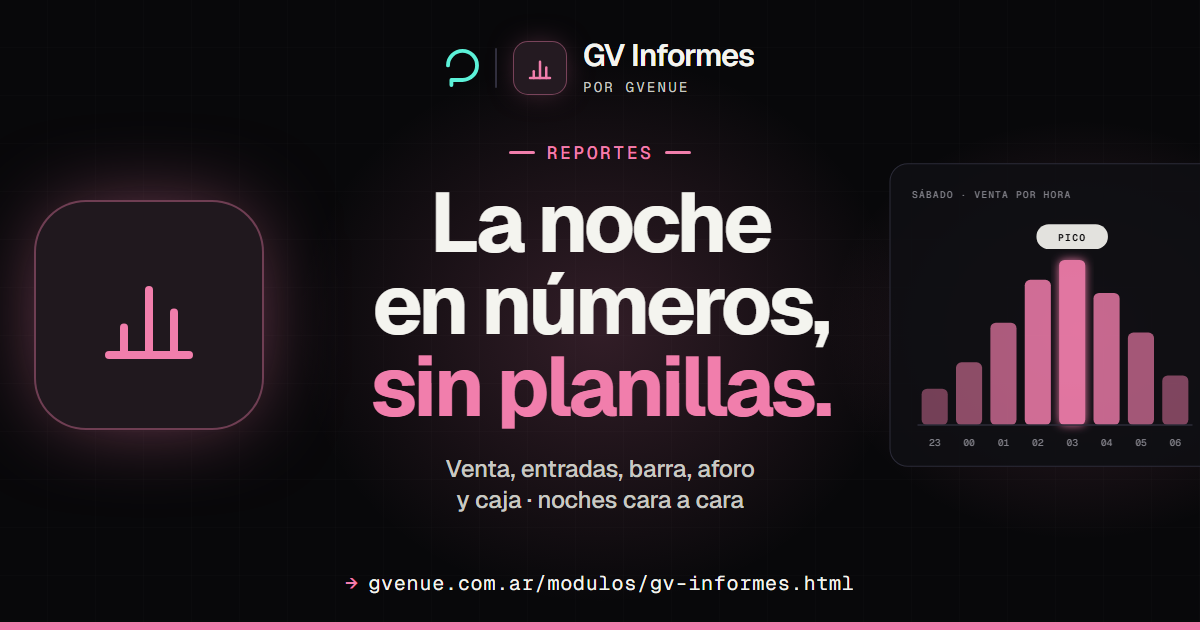
The whole night on one live screen and the numbers for every date.
from USD 29/mo See GV Reports -
GV HR
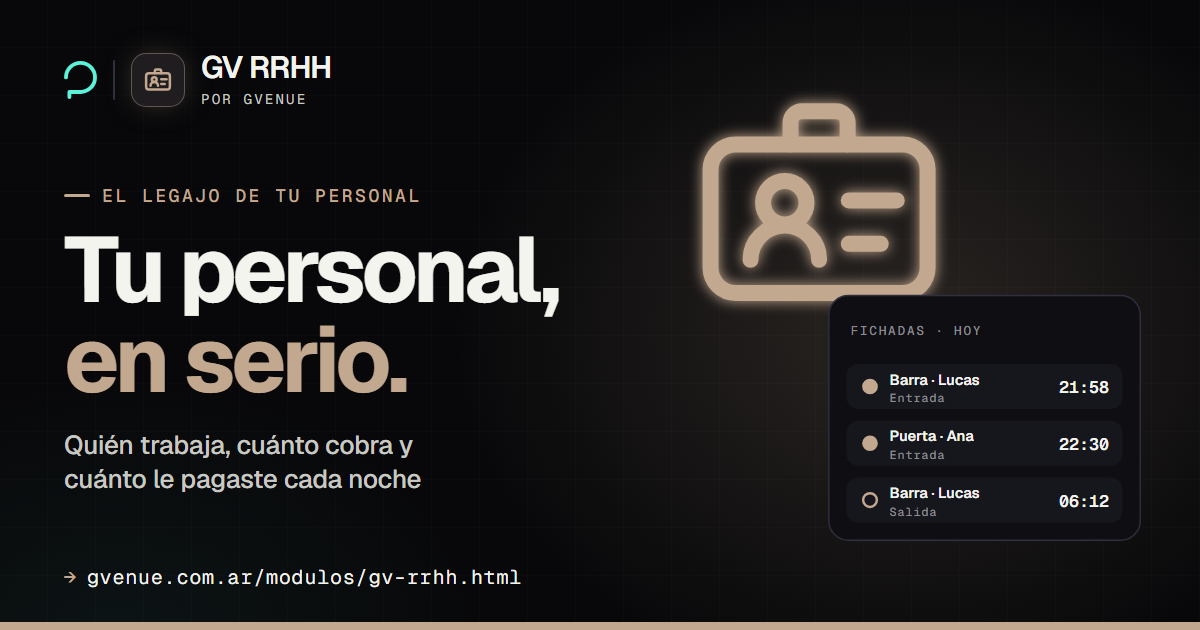
Your staff files, agreed pay and clock-in by ID.
from USD 25/mo See GV HR -

GV Barra
Menu, sales, drink-credit redemption and cash closing with audit.
from USD 39/mo See GV Barra -

GV Resto
Your restaurant floor, kitchen and register, table by table.
from USD 39/mo See GV Resto
Know what you made on every night
It adds on to your Barra, Resto or Suite and reads what you already enter there. See the price before talking to anyone.