Stream your event live and sell the ticket to watch it
With a camera and OBS you go live, and the Streaming ticket sells on your own ticketing page. Every buyer gets a code and watches on your website: one screen per code.
What slows you down today — and how GVenue solves it
Everything in one system
The Streaming ticket, on your ticketing page
It sells like any other ticket, with your sales page, your payment methods and your reports. The code arrives inside the ticket, by email.
One code, one screen
Each code opens a single session. If someone uses it somewhere else, the new connection cuts off the previous one.
Embedded on your website
Your audience watches the live show inside your site, with your design and your brand, and the video won't play outside the sites you allow.
Live viewer count
While you're on air, you see how many people are watching.
A recording for your marketing
The event is recorded and you download it to post on your socials whenever you want.
Protected video
Nothing plays without a signed permission that expires in minutes: sharing the video link doesn't work.
A look inside
Real screens of the system, with sample data. Tap one to see it bigger.
The system adapts to your venue, not the other way around
100% configurable, made to measure
Every module is set up the way you work: prices, menus, hours, each person's permissions, texts and what is on or off. You ask, we adjust it.
Your changes are yours alone
The configuration belongs to your venue. What you change does not affect any other client, and what another client asks for does not touch your system.
It analyzes your data all the time
Every sale, every entry and every closing is recorded, and the reports show you what sells, at what time and what leaves you margin. That is how you tune the system to real use, not to a template.
Custom software, built by people from the trade
We know the business from the inside and we know what we are doing. What your venue needs and is not there yet, we build to measure. We work with passion and dedication on every project we roll out. Custom development →
What changes when you go live
With GV Stream
- Per event or flat fee: you pick based on how often you stream.
- The ticket sells on your own ticketing page, with your reports.
- One code, one screen: tickets can't be shared.
- The live show plays on your website, with your brand.
- The recording stays for your marketing.
What you stop handling on your own
- Paying every month even when you don't stream.
- Charging in one place and matching sales in another system.
- One paid ticket ending up watched by a whole group.
- Sending your audience to a page that isn't yours.
- Recording separately to have the video afterwards.
Per event: pay only when you go live
A fee for each broadcast event, based on your audience: up to 100 viewers — USD 35; up to 250 viewers — USD 69; up to 500 viewers — USD 129; up to 1,000 viewers — USD 249. Up to 3 hours live, recording included. The month you don't stream, you don't pay.
Suite Stream: unlimited broadcasts for a flat fee
For venues that stream often: USD 149 per month, with unlimited broadcasts —one per day, up to 3 hours each— for up to 20 concurrent viewers. That means up to 20 Streaming tickets per event: each code opens a single screen.
If an event goes over 20 viewers, that event is billed at the per-event rate for its audience. Everything else stays within the plan.
Setup and ticket sales
There's a one-time setup fee of USD 199 that gets everything ready: the connection to your website, an end-to-end test broadcast and training for your operator. It is credited back against your streaming fees in the following months. The Streaming ticket sells with the normal ticketing commission.
What you need to go live
A laptop with OBS, which is free, a camera, the audio from your mixing desk and a wired internet connection. It's set up once and we walk you through a test broadcast: on event day, it's just pressing a button.
📥 Everything explained, ready to download
The dossier and the manual, always in their latest version: they update themselves every time the system changes. (In Spanish.)
Frequently asked questions
How much does GV Stream cost?
Per event or Suite Stream?
What happens if the code gets shared?
Where does my audience watch?
Do I keep the video?
What do I need to stream live?
How long can each broadcast last?
Do I need to sell tickets with GVenue?
Keep exploring
Modules that work well together
Add them whenever you need them: each one with its price in plain sight, on the same panel and the same support.
-
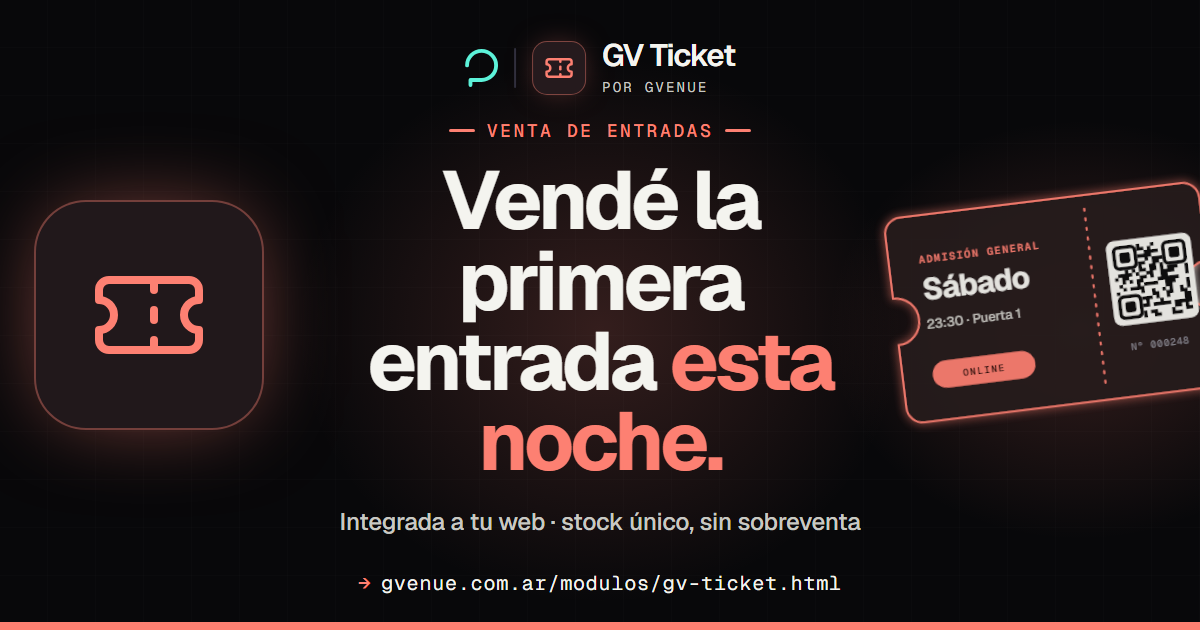
GV Ticket
Your own branded ticketing: one QR per ticket and a single capacity pool.
No monthly fee · the 15 % fee is paid by the buyer See GV Ticket -
GV Media
Social media, campaigns and audio branding for your venue.
from USD 249/mo See GV Media -
GV Studio
A photo of every product on your menu, background removed, plus flyers.
from USD 9/mo See GV Studio -
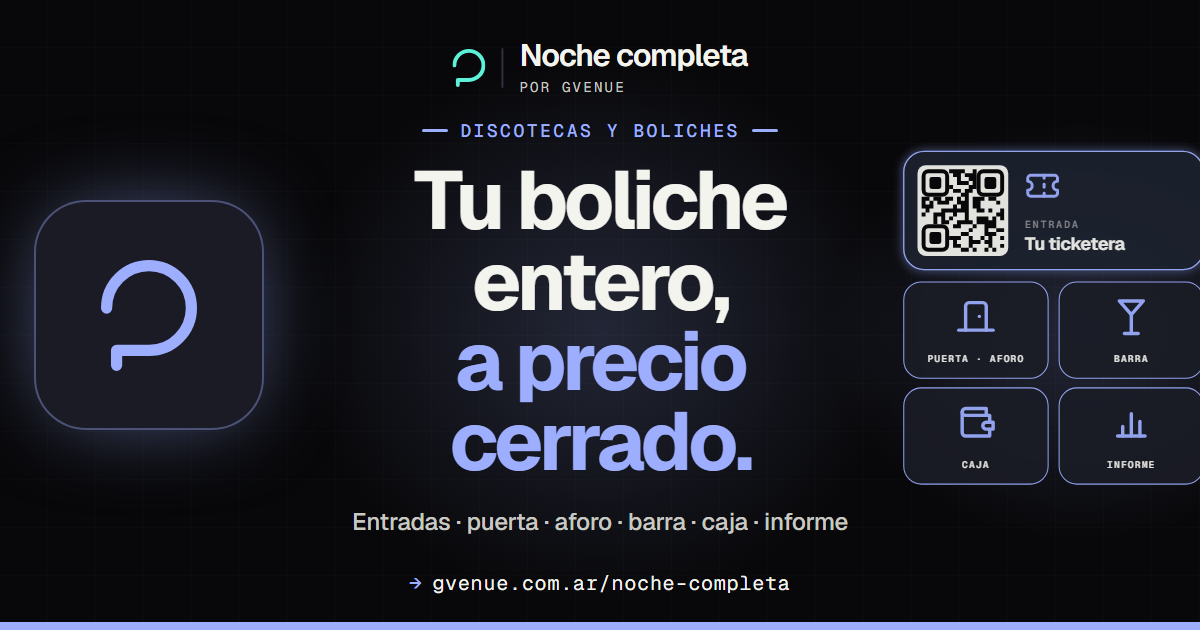
Full Night
Tickets, door, bar, register and the night's report at a fixed price.
from USD 89/mo See Full Night -

GV Door
Guest list with named QR codes, phone validation and live capacity.
from USD 59/mo See GV Door
Your next date, for the people who can't make it too
Per event, or unlimited with Suite Stream. A one-time setup that gets credited back.